Switchy
macOS menu bar utility unifying cloud deployments, 2FA tokens, and AI spending thresholds in one click.
Free Tier & Quota Rules
Free tier grants menu bar system controls, basic deployment hooks, and token spend monitors.
Overview & Core Features
Switchy is designed for modern software engineers, DevOps practitioners, and indie developers who demand seamless workflow efficiency without screen clutter. Constant context switching between cloud deployment dashboards, mobile authenticator apps for two-factor authentication, and diverse AI model billing consoles disrupts deep coding flow. Switchy elegantly consolidates these mission-critical controls into the macOS menu bar. Without opening heavy browser tabs, developers monitor continuous deployment pipelines, copy one-time passcodes, and monitor real-time AI token spend thresholds at a glance.
Interface Preview & Architecture
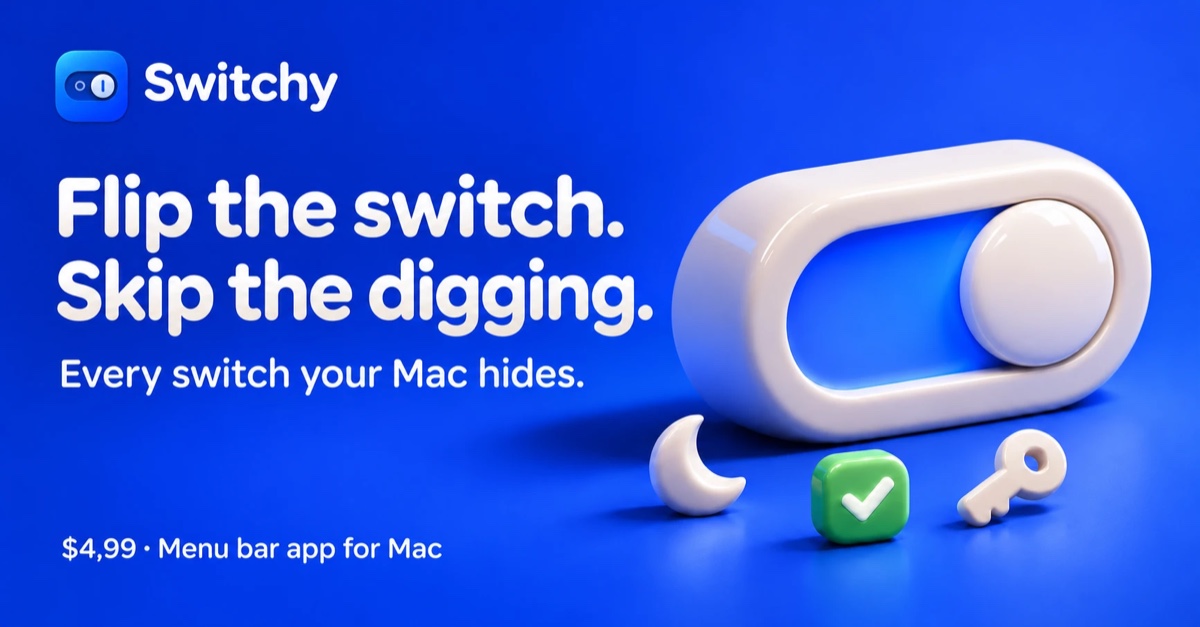
Pros & Limitations
Strengths
- Natively integrated into macOS menu bar to observe cloud deployment states without tab clutter
- Built-in two-factor authenticator module copies six-digit codes directly to clipboard with a single click
- Configures proactive spending thresholds across major AI APIs to prevent accidental billing spikes
Considerations
- Currently engineered exclusively as a native macOS utility without desktop releases for Windows or Linux