
AI Video · Video Editing Free Trial -- Full-featured trial with pay-once lifetime licenses
Screen Studio
Professional screen recorder for macOS with automatic zoom and motion blur.
Free Tier & Quota Rules
Download and evaluate studio-grade screen recordings with auto-zoom and cursor smoothing.
Overview & Core Features
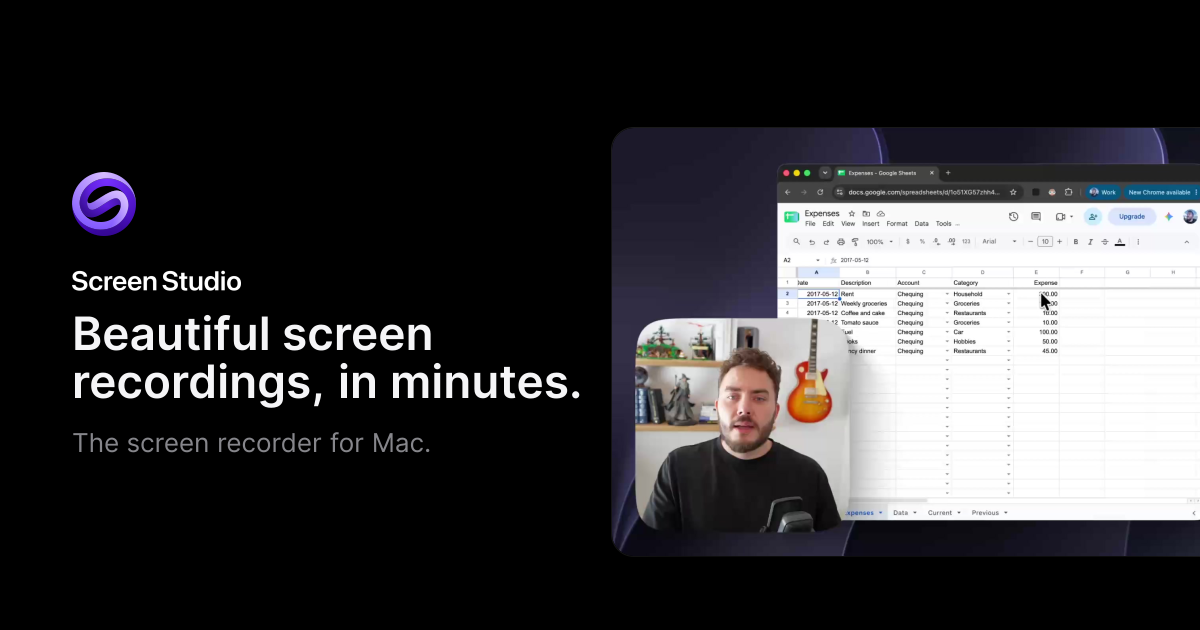
Screen Studio transforms raw desktop captures into keynote-ready product demos instantly. Without requiring tedious manual keyframing, it automatically detects click points, applies silky-smooth cinematic zooms, simulates natural motion blur, and renders sleek studio backgrounds. Users can even edit video scenes directly by modifying the generated text transcript.
Interface Preview & Architecture
Pros & Limitations
Strengths
- Automatic click detection generating silky-smooth cinematic zoom transitions
- Intelligent cursor smoothing eliminating jitter for an immaculate polished feel
- Direct transcript-based video trimming saving hours of timeline scrubbing
Considerations
- Exclusively built for Apple macOS with no Windows version currently available
- Exporting clean watermark-free high-resolution video requires a valid license